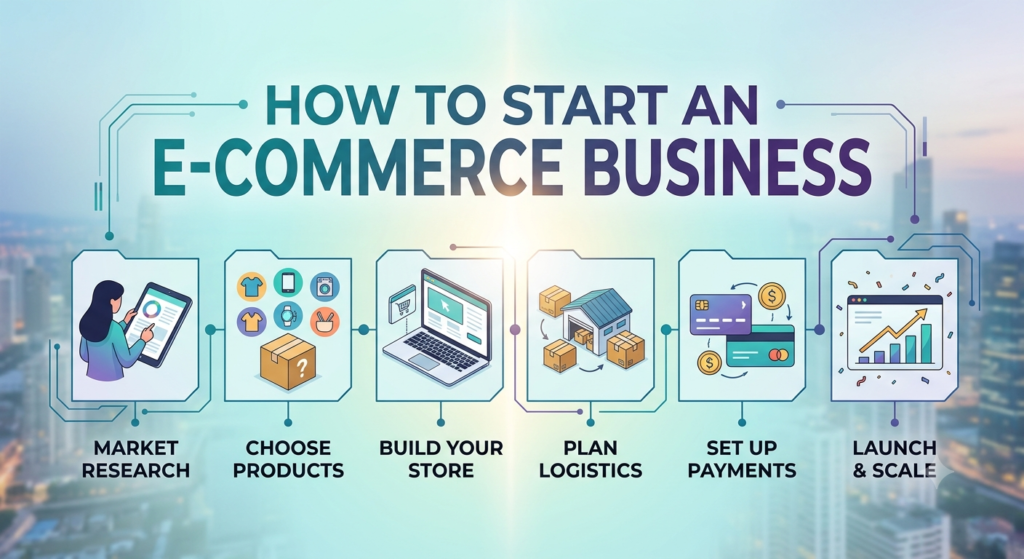
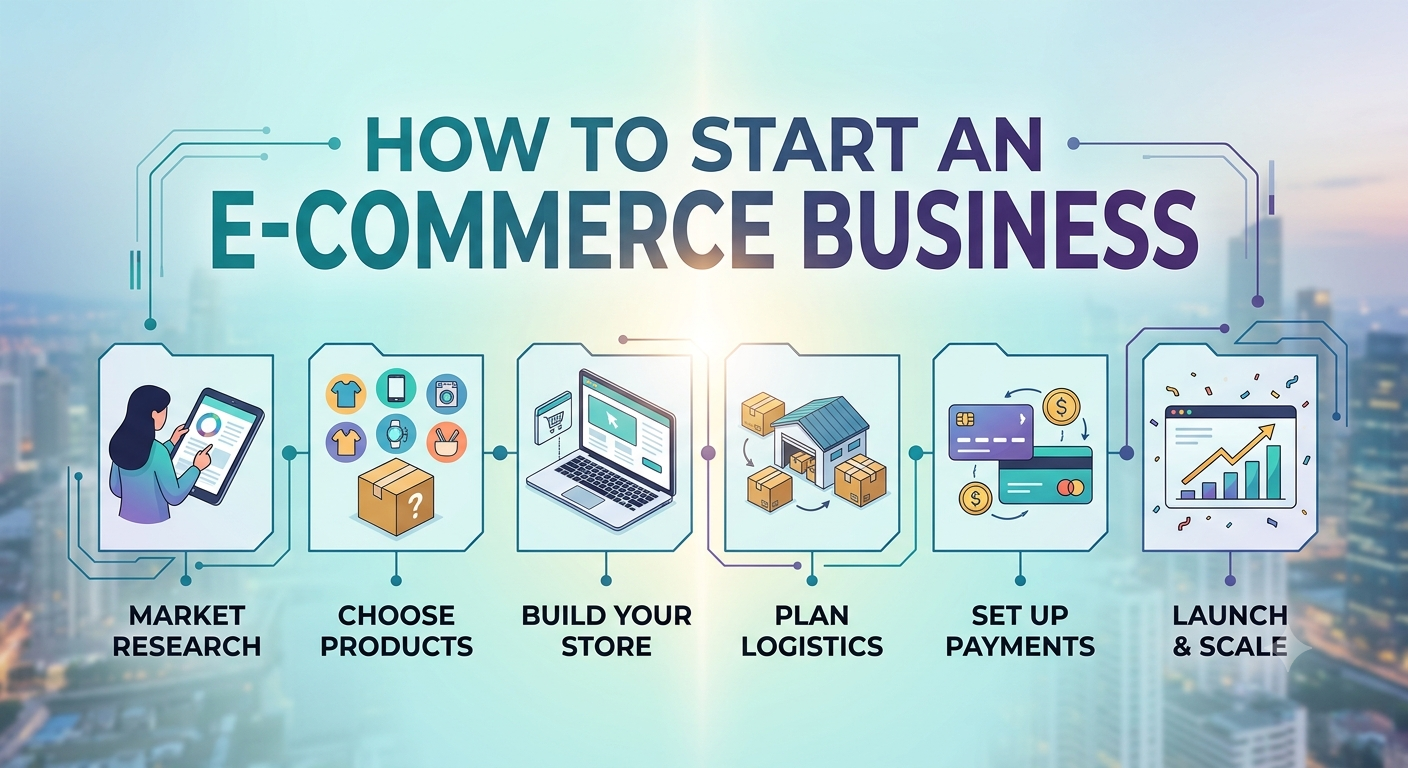
Starting an e-commerce business involves several structured steps, from initial product research to launching and growing your store:
-
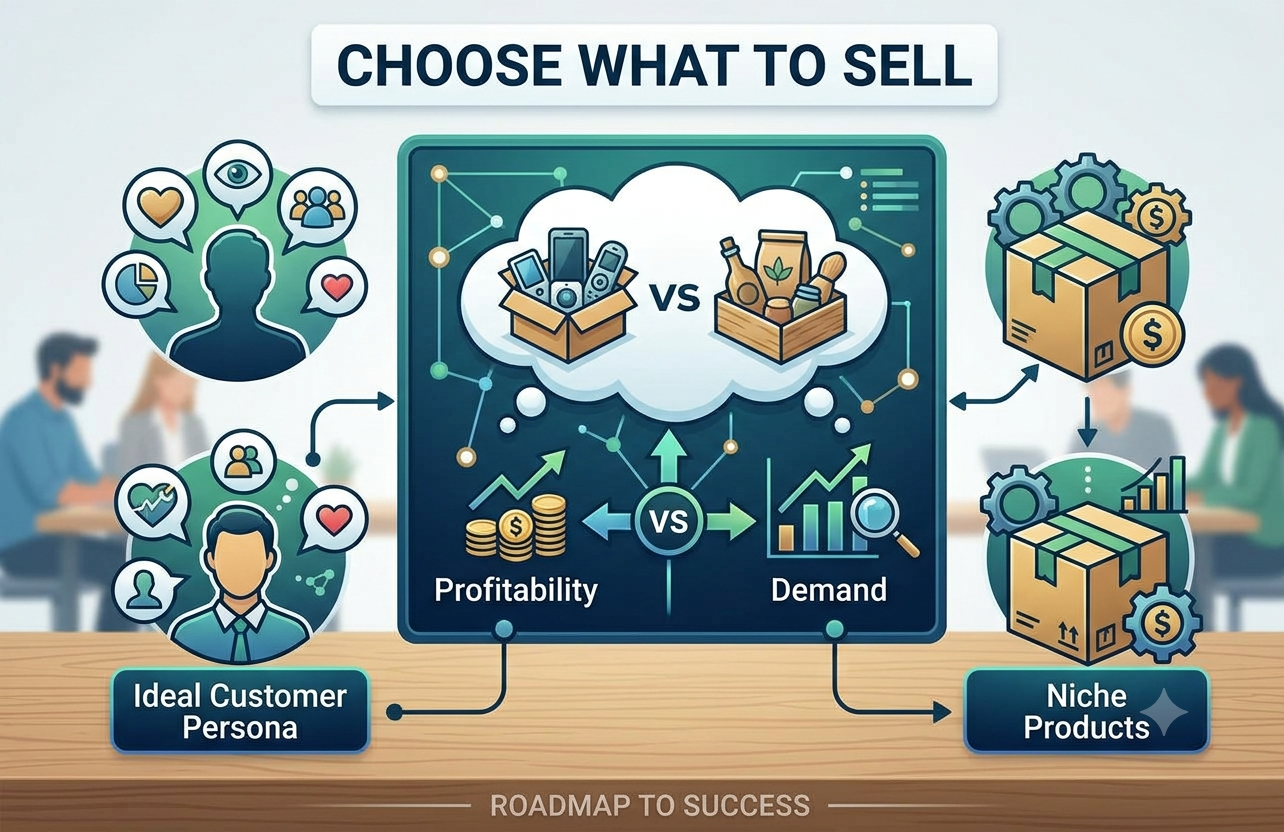
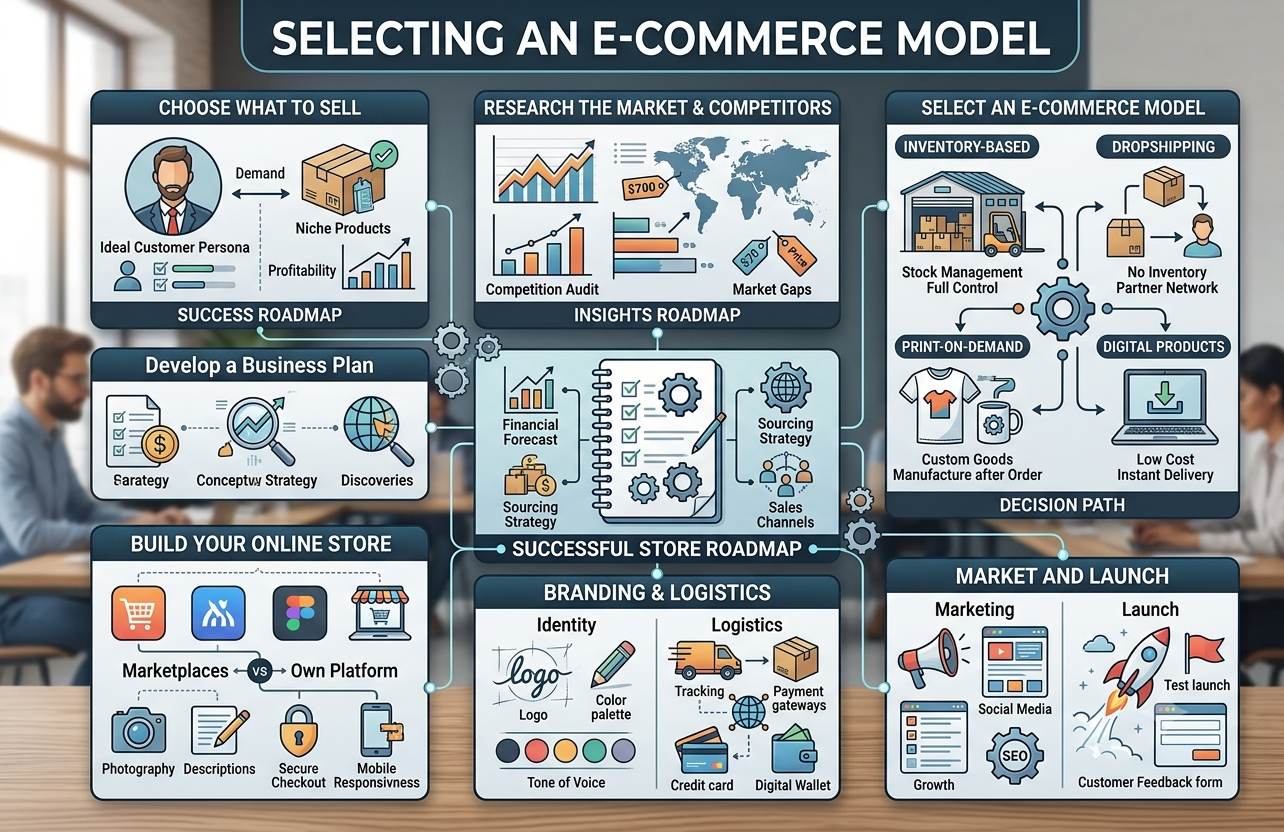
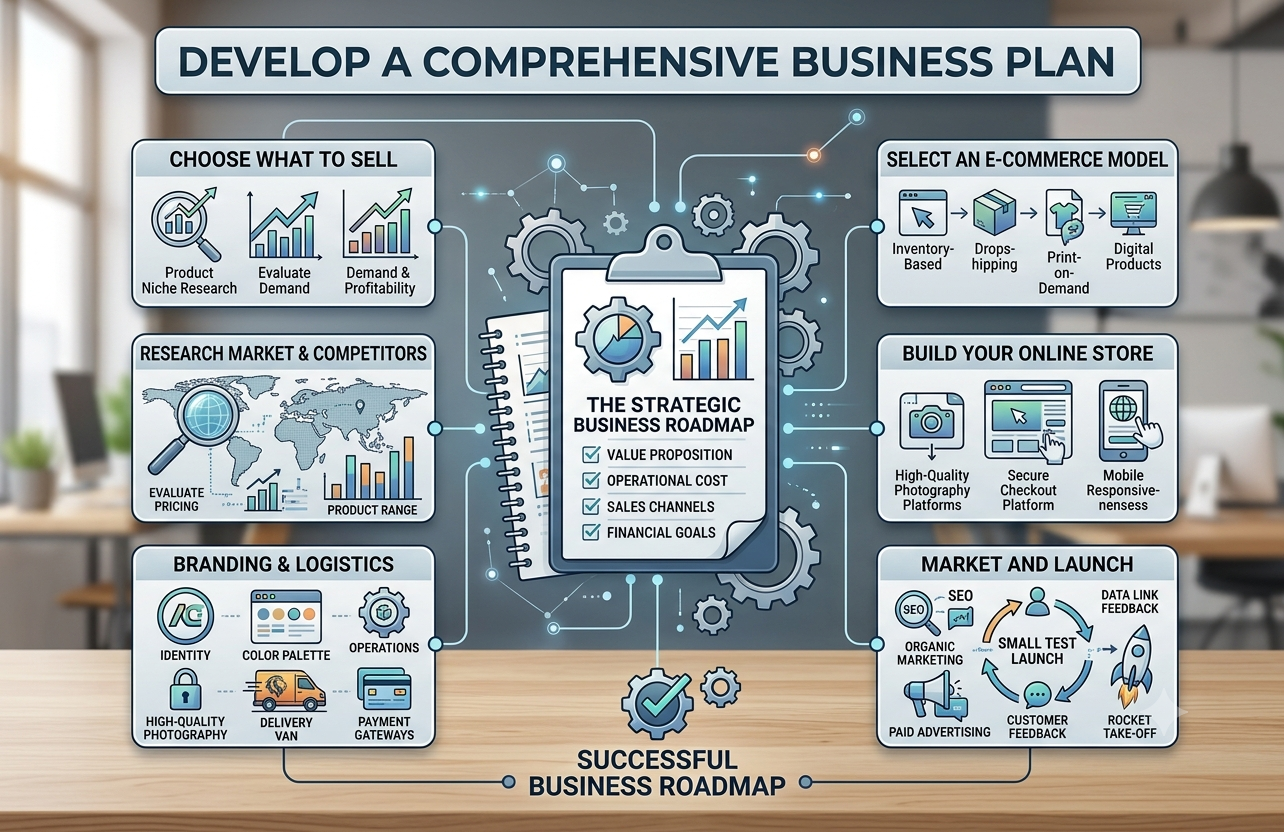
Choose What to Sell
-
Identify a target audience and specific market niche rather than trying to offer everything.
-
Evaluate product demand, profitability, sourcing costs, and ease of packaging/shipping.

-
-
Research the Market & Competitors
-
Study competitor pricing, product ranges, customer reviews, and shipping options.
-
Look for gaps in existing offerings (e.g., better quality, clearer product information, specialized bundles).
-
-
Select an E-Commerce Model
-
Inventory-Based: Buy or manufacture products upfront and manage storage/fulfillment yourself.
-
Dropshipping: Partner with a supplier who ships items directly to customers when an order is placed.
-
Print-on-Demand: Sell custom-designed items (like apparel or merchandise) produced after purchase.
-
Digital Products: Offer downloadable files, templates, courses, or digital assets.
-
-
Develop a Business Plan
-
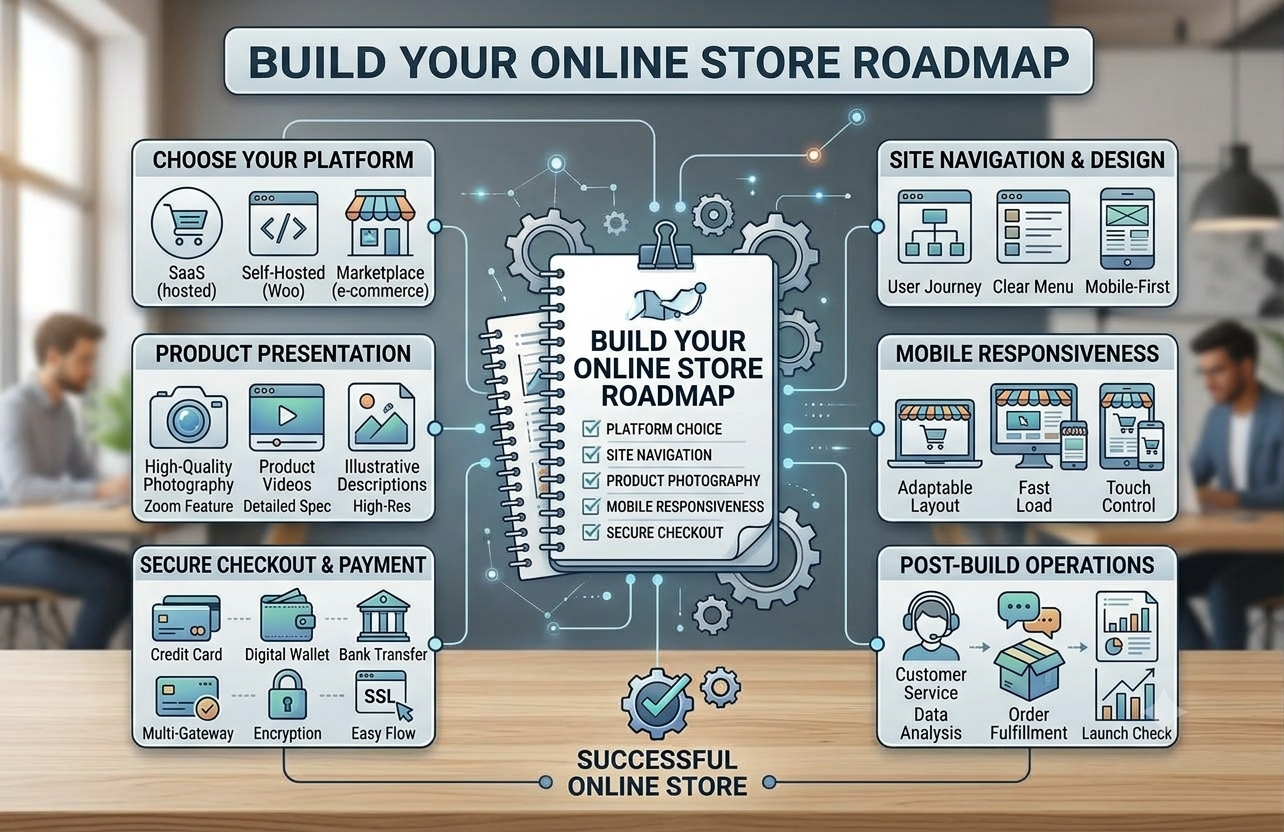
Define your value proposition, pricing structure, operational costs, sales channels, and financial goals.
-
-
Build Your Online Store
-
Choose a platform (such as Shopify, WooCommerce, or Wix) or sell through online marketplaces.
-
Include essential elements: clear navigation, high-quality product photography, detailed descriptions, mobile responsiveness, secure checkout, and return policies.
-
-
Branding & Logistics
-
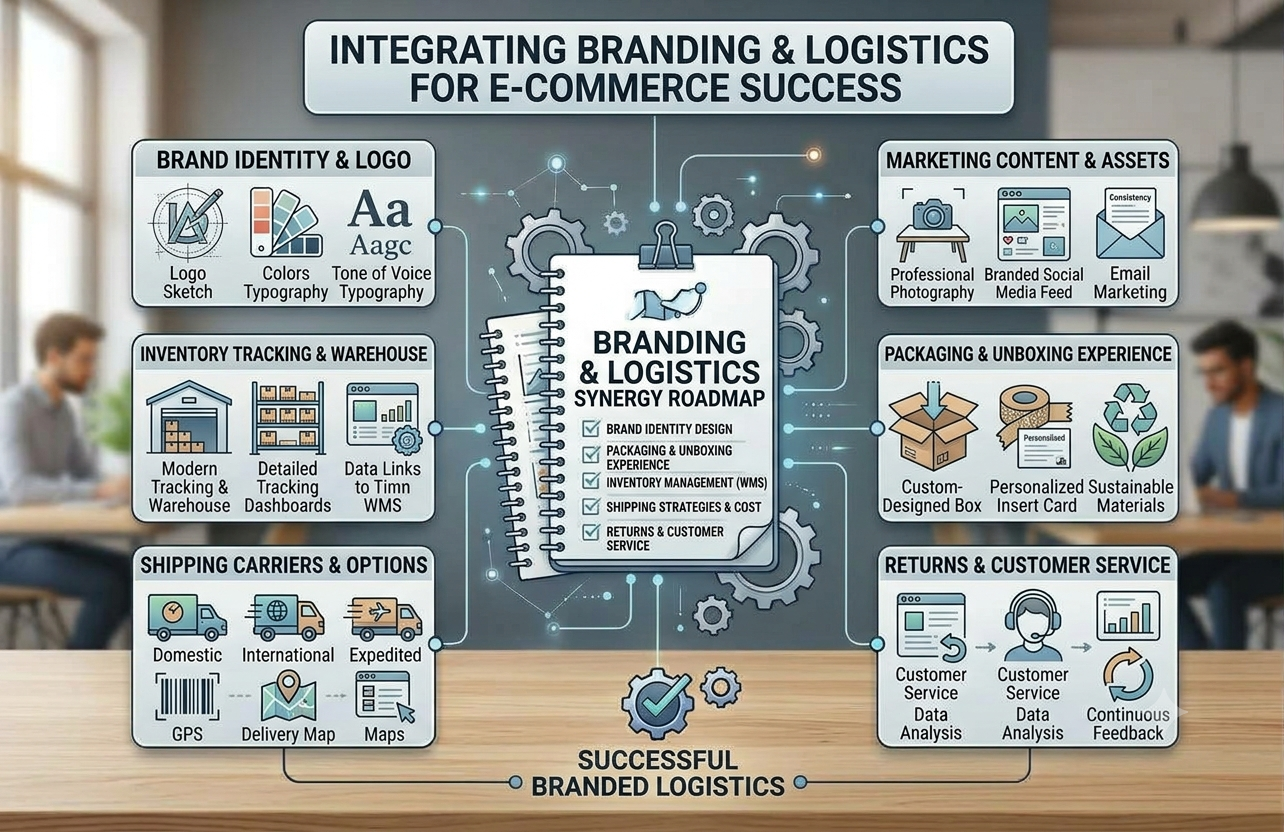
Choose a recognizable business name and establish brand identity (logo, color palette, tone of voice).
-
Plan shipping providers, delivery coverage, inventory tracking, and payment gateways (credit cards, digital wallets, bank transfers).
-
-
Market and Launch
-
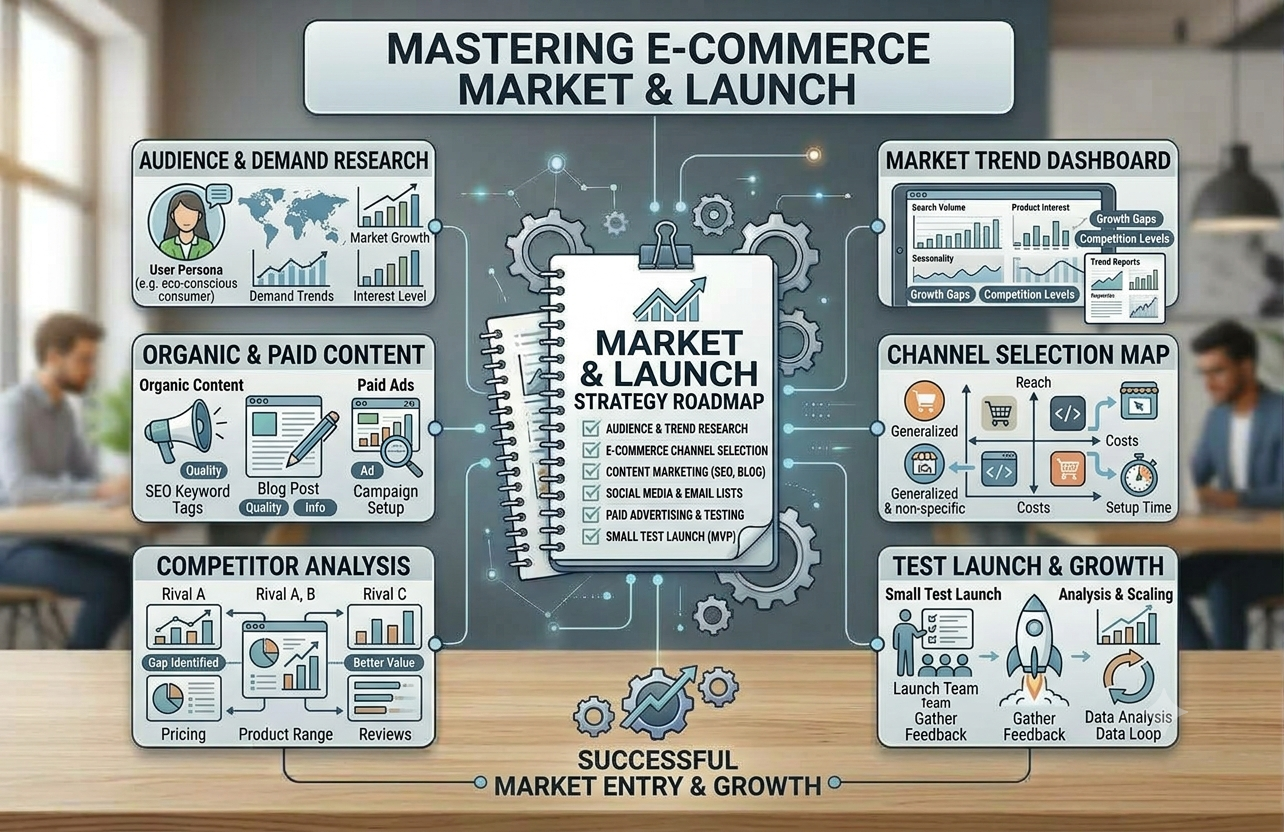
Start with organic marketing like search engine optimization (SEO), social media content, and email lists.
-
Consider targeted paid advertising once you know your conversion rates.
-
Begin with a small test launch to gather customer feedback before scaling up.
-
Hi, this is a comment.
To get started with moderating, editing, and deleting comments, please visit the Comments screen in the dashboard.
Commenter avatars come from Gravatar.